
When traveling, it’s often convenient to have your media offline. Here’s how you can do this:
Video
You can put your video collections on a mobile device or laptop, and play them manually in VLC.
You can add your video folders to a Plex Media Server running on your laptop, and stream them too.
Music
You can offline all your music and keep it on your device. I recommend the FLAC format, since it’s gives you lossless music with reasonable file sizes. You can then play the files manually using Foobar2000, or point Plex at your music folders, and play them via Plex Amp.
See this guide to naming files for Plex.
You can also offline playlists on Spotify if you wish.
Podcasts
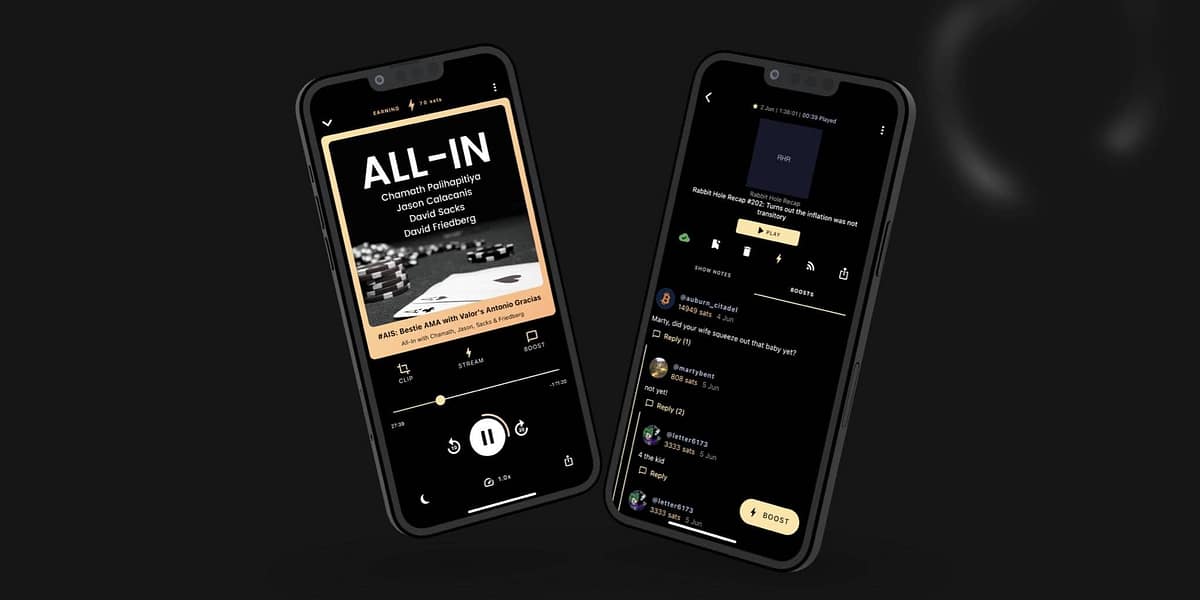
The Pocketcast app allows you to download your podcast for offline use. You can also set it to download and offline all new podcasts.