Quick Answer
- Above Phone sells pre-configured Google Pixel phones running GrapheneOS, a privacy-focused Android fork with zero Google connections by default.
- Prices start around $550 for a Pixel 6a up to $1,000 for newer Pixel 9 models, with a free 45-minute setup call and lifetime support included.
- The phones come ready to use out of the box with open-source apps
- Setup is easier than DIY GrapheneOS installs since Above handles configuration, provides video tutorials, and offers ongoing support via chat, email, and webinars.
What is the Above Phone?
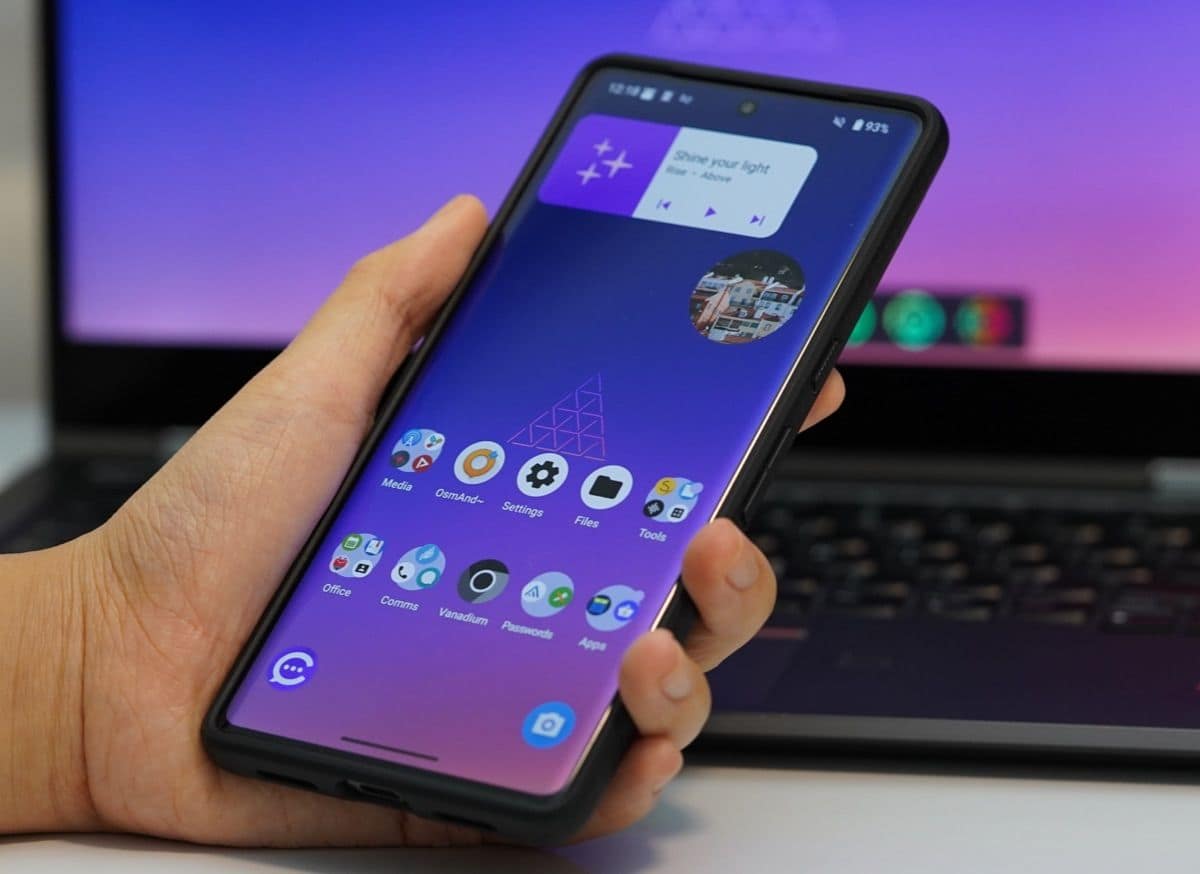
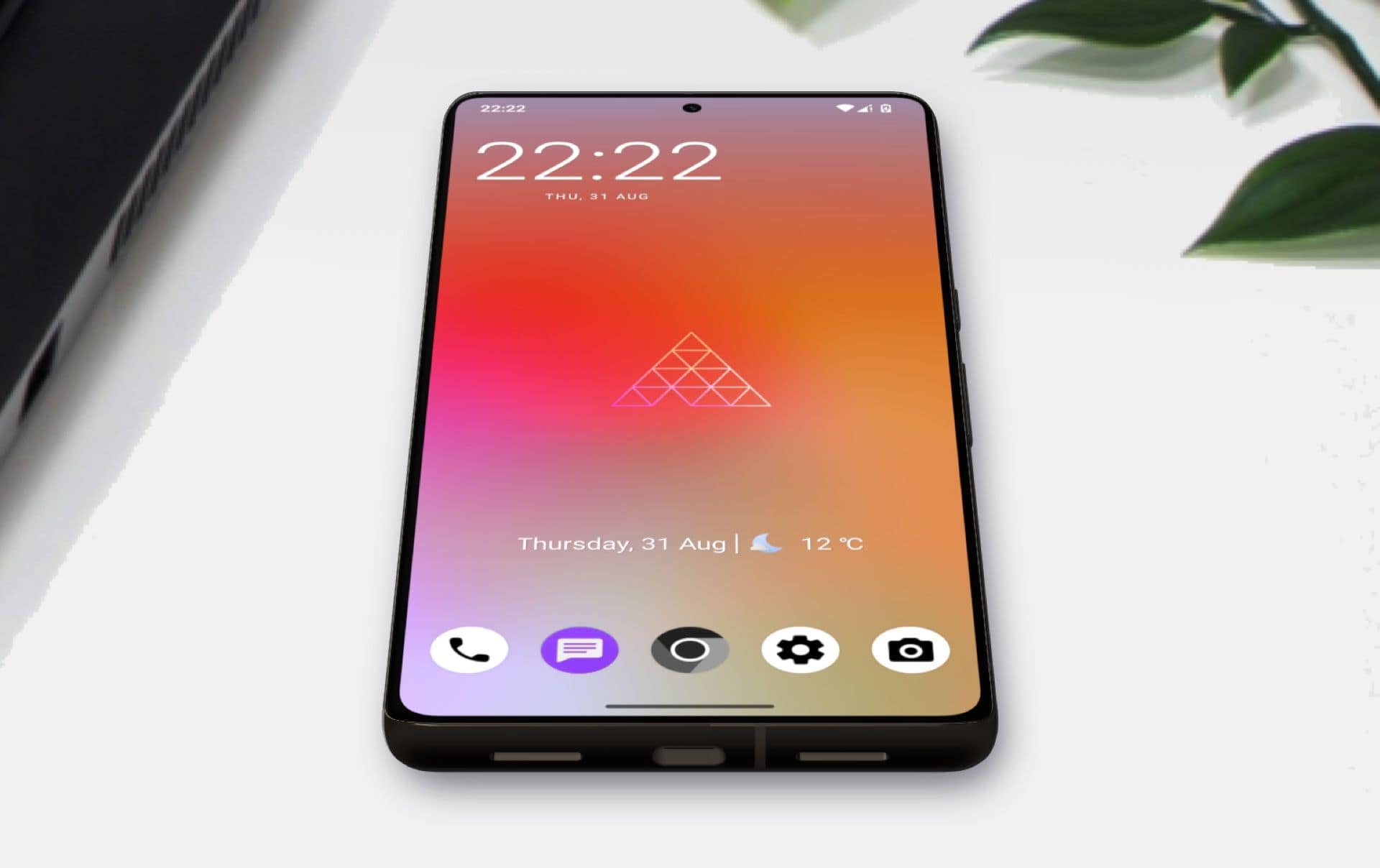
Above Phone is a privacy-focused brand that sells Google Pixel devices pre-installed with GrapheneOS.
GrapheneOS is considered to be the most secure and private mobile operating system that is based on Android Open Source Project.
The devices ship fully configured with privacy-respecting open-source apps, multiple user profiles for separating trusted and untrusted apps, and sensor kill-switches to disable cellular modem, microphone, camera, or GPS when needed.
Hardware options and pricing
Above Phone currently offers several Pixel models:
- Pixel 6a: Starting at $550
- Pixel 7a: Mid-range option
- Pixel 8: Available with up to 7 years of security updates
- Pixel 9 series: Pixel 9, 9 Pro, 9 Pro XL (flagship models, $1,000+)
All phones feature Pixel’s security advantages like verified boot, isolated baseband to protect against cellular attacks, hardware-based full disk encryption, and timely security updates.
Discount codes like DOCTAAPPROVED50 or doc25 can save $25-50 off purchase price.
GrapheneOS advantages
GrapheneOS goes beyond stock Android with hardened security and privacy features:
- Zero connections to Google or big tech by default
- Hardened memory allocator that continuously erases data, making it harder for apps to access without permission
- Per-connection MAC randomization for WiFi privacy
- Contact Scopes that let you grant apps access to specific contacts instead of your entire contact list
- Support for up to 32 user profiles (vs. 4 on stock Android) so you can isolate work, personal, and untrusted apps
- LTE-only mode to reduce cellular attack surface by disabling legacy 2G/3G and bleeding-edge 5G code
The OS receives regular security updates and maintains compatibility with most Android apps through sandboxed Google Play (if you choose to install it in a separate user profile).
Setup and support
Above Phone provides a decent level of support:
- Phones arrive fully configured and ready to use out of the box
- Free 45-minute one-on-one setup call with a support engineer
- 24/7 email and chat support
- Video course library at Above University covering everything from basic navigation to advanced features like user profiles and Private Space
- Monthly webinars for customers
- Step-by-step guides for importing contacts, connecting to WiFi/mobile data, managing app permissions, and setting up Above Suite services
Users report the transition is much smoother than expected, especially compared to other degoogled phones.
Real-world use and tradeoffs
The Above Phone lets you run most Android apps, but you’ll need to make some adjustments:
- Open-source alternatives replace Google apps
- You can install Google Play in a sandboxed user profile if you need specific apps that require it
- Some banking and government apps may have compatibility issues, though most work fine
- No Google Maps by default (use alternatives like Organic Maps or OsmAnd)
The phone works with any carrier and supports physical SIM cards, eSIM, and even ethernet connections via USB-C adapter for completely EMF-free usage.
Who should buy it
Above Phone makes sense if you want privacy without the technical hassle of installing GrapheneOS yourself. You’re paying a premium over buying a Pixel and doing it yourself, but you get professional configuration, ongoing support, and peace of mind that everything is set up correctly.
Skip it if you’re comfortable with command-line tools and want to save money by installing GrapheneOS yourself, or if you need absolute cutting-edge specs and don’t mind sacrificing privacy for performance.