Quick Answer
- Organic Maps are great for wilderness navigation. The app works offline and doesn’t require cellular service or WiFi. Use it for hiking, cycling, remote areas, or anywhere you need reliable offline navigation with zero tracking. Free app.
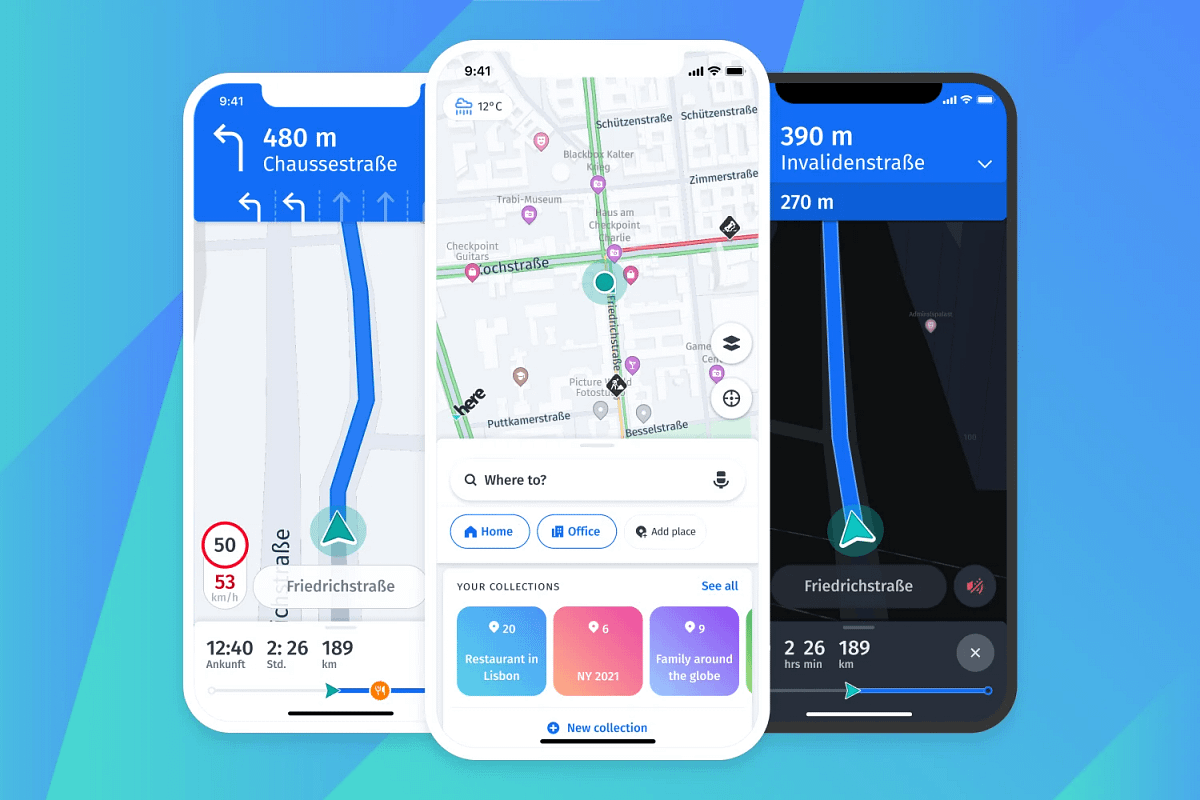
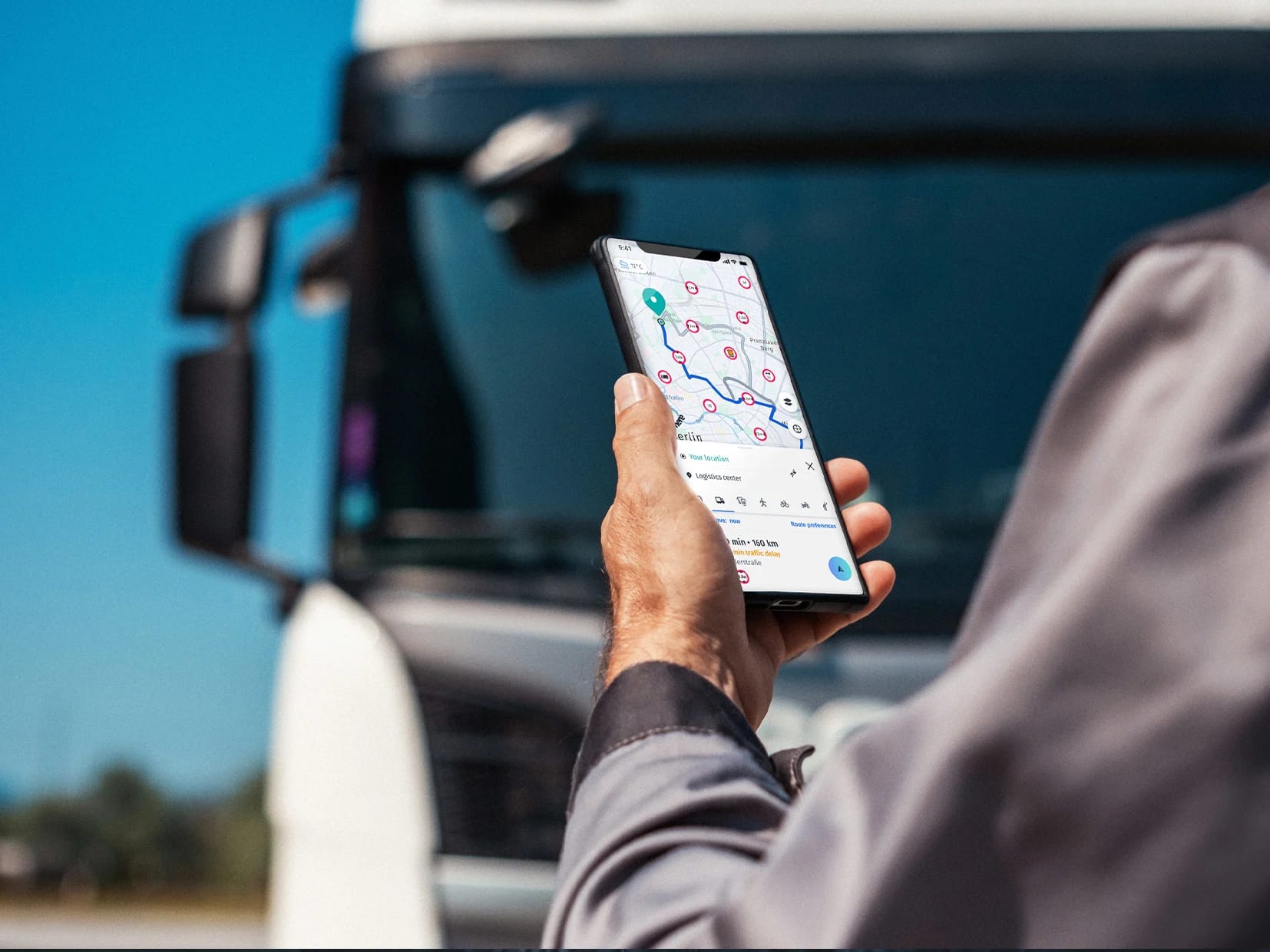
- HERE WeGo is a free, privacy-respecting navigation app available on iOS, Android, and the web. It’s navigation power is comparable to Google Maps and Apple Maps.
When to Use Organic Maps
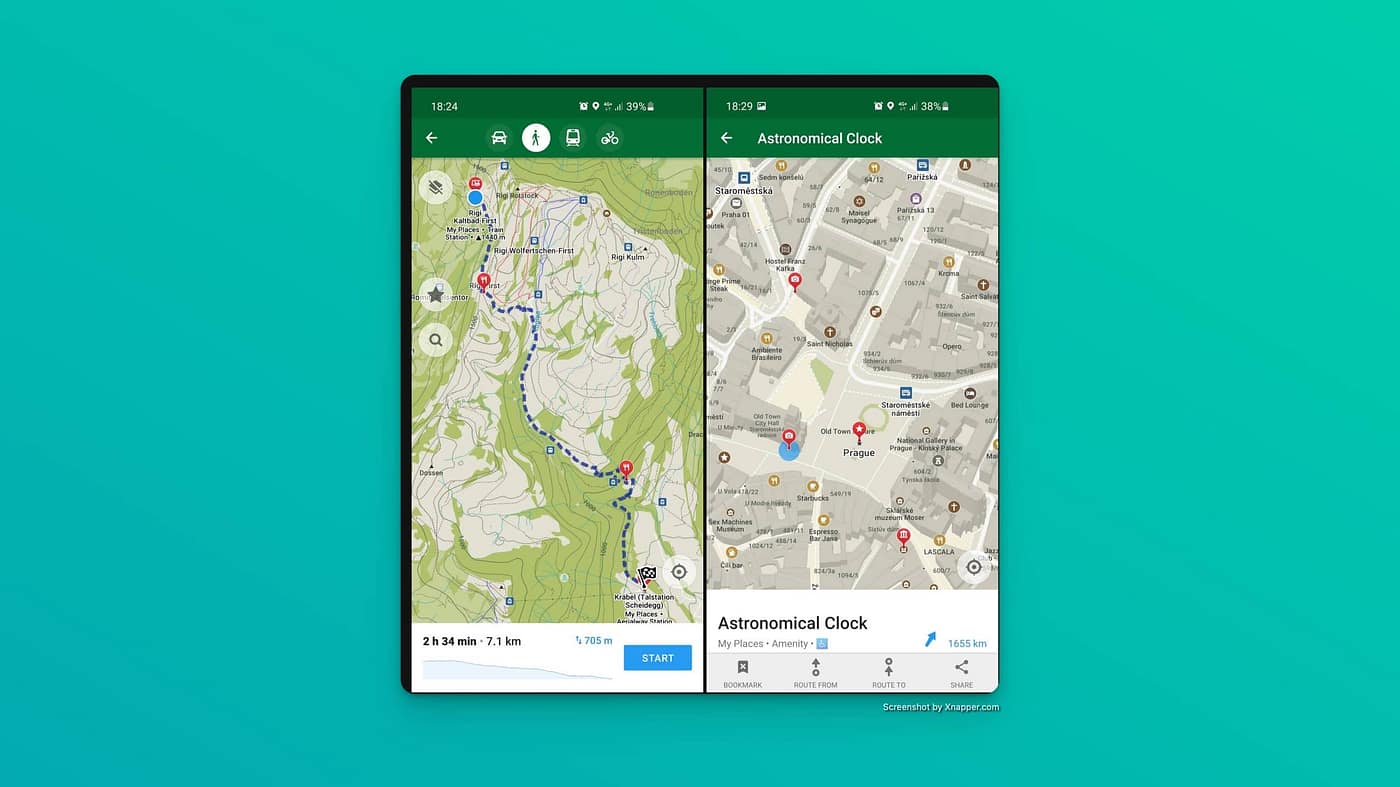
Hiking and wilderness navigation is where Organic Maps shines. The app shows detailed contour lines, elevation profiles, peaks, slopes, and official hiking trails that often don’t exist on commercial maps. You can download lightweight offline maps (Rhode Island is just 29MB). You can put your phone in airplane mode, and navigate backcountry trails for days.
Users report minimal battery drain even on full-day hikes. The power-saving features and offline-first design mean you’re not constantly pinging cell towers or downloading data.
An August 2025 update added dedicated cycling and mountain bike route overlays showing popular paths worldwide. The app optimizes routes for bikes, includes bike paths that cars can’t access, and shows cycling-specific details like grades and elevation changes.
Remote and rural areas where cell service is spotty work perfectly with Organic Maps. Since everything runs offline, you don’t need connectivity.
Quick offline search is surprisingly good. You can find addresses, hotels, restaurants, fuel stops, and ATMs without waiting for network responses. The search works entirely from downloaded map data.
Contributing to maps is built-in. You can sign into your OpenStreetMap account and add missing places, fix errors, or update information as you travel.
When to Use Here WeGo
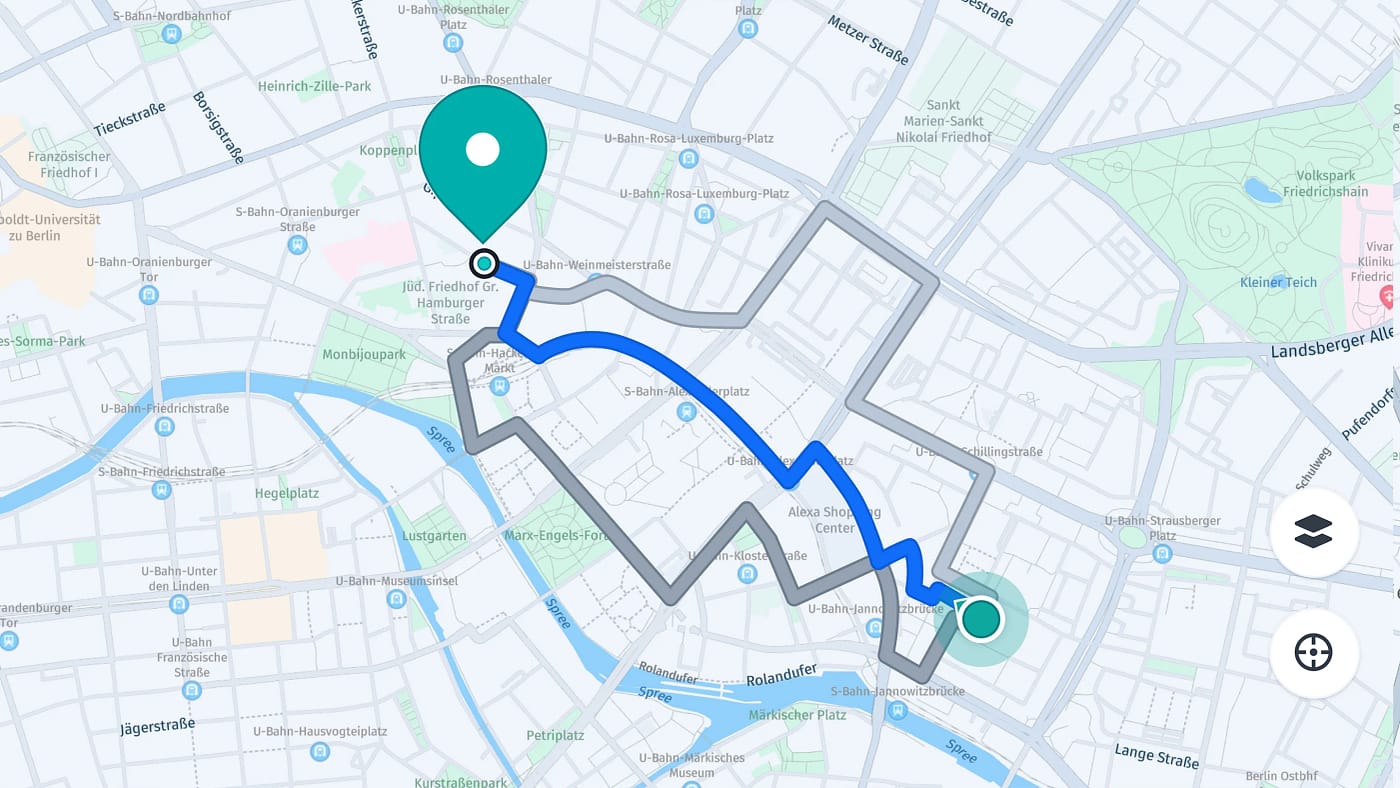
HERE WeGo is a navigation app built by HERE Technologies, originally a mapping division spun out of Nokia and now backed by a consortium of major automakers. It’s been redesigned with a fresh interface that prioritizes clarity and ease of use while driving. With over 10 million installs on Android, it’s one of the most serious alternatives to Google Maps for privacy-conscious users.
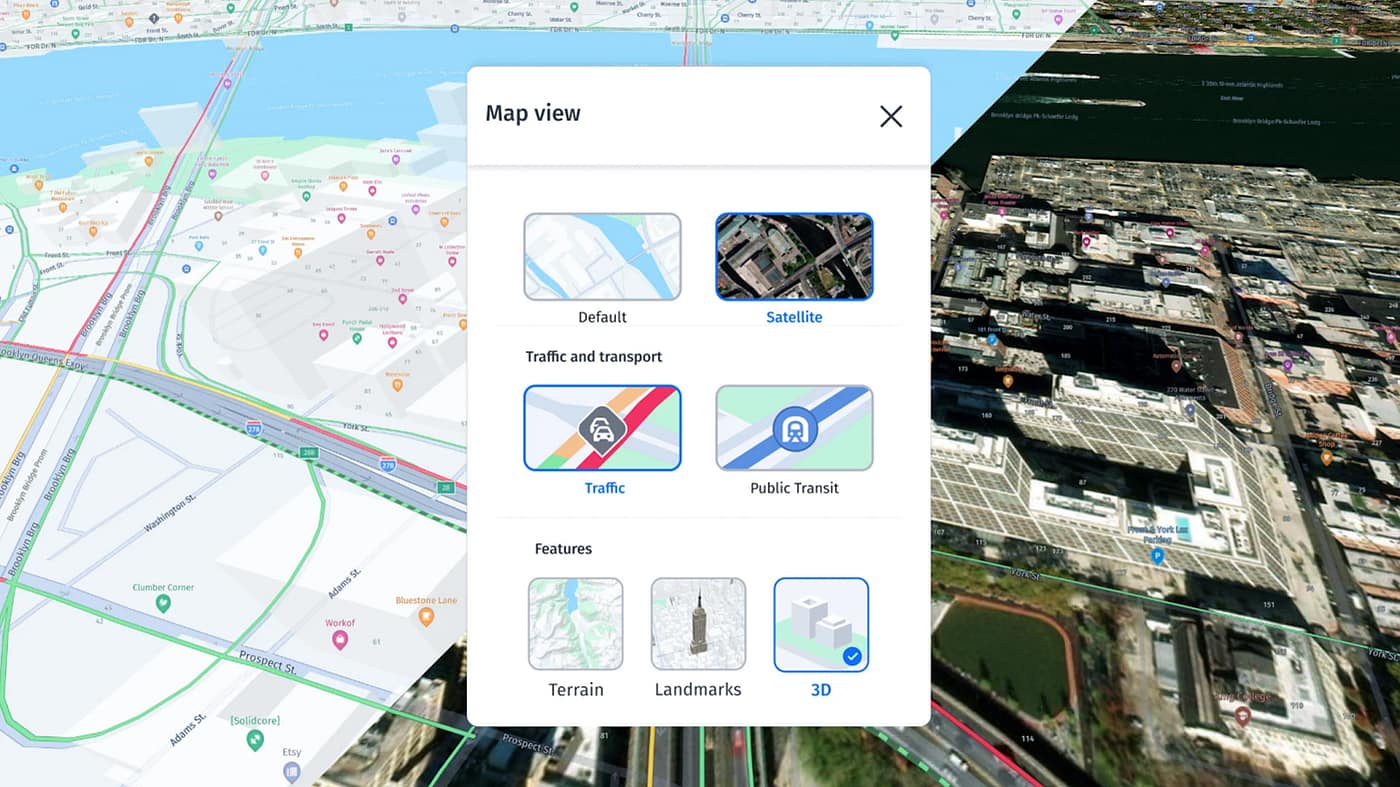
Offline Navigation
The standout capability is offline maps. You can download entire countries or continents ahead of time and navigate without any internet connection. This is especially useful for international travelers or anyone exploring rural areas. GPS still works without data, so turn-by-turn voice guidance runs smoothly even in airplane mode.
Transit, Walking, and Multi-Modal Routing
HERE WeGo isn’t just for drivers. It supports public transit directions in more than 1,900 cities, along with walking and cycling routes. A standout feature is”door-to-door” navigation— it guides you from your front door, transitions to driving, finds parking, then walks you the final stretch to your destination. You can also add waypoints, reorder stops mid-trip, and get real-time ETA updates based on live traffic.
Great — I have enough solid information to give a comprehensive answer. Let me compile it.
Map Data Sources
| HERE WeGo | Organic Maps | |
|---|---|---|
| Map data | Proprietary HERE Technologies maps (originally Nokia) | OpenStreetMap (OSM) — community-edited |
| Backed by | Consortium of major automakers (Audi, BMW, Daimler) | Open-source community |
| Update model | Professionally maintained, commercial-grade | Community-driven, crowd-sourced |
| Coverage | 200+ countries with consistent rural penetration | Global, but quality varies by region |