
Quick Answer
- To sign-up anonymous on NordVPN, use a burner email and no real name.
- Pay with cryptocurrency or a prepaid card, not your main credit card.
- For maximum anonymity, buy a NordVPN gift card with crypto, then redeem it.
What “anonymous payment” really means
You can’t be 100% invisible, but you can avoid tying NordVPN payments directly to your real identity.
NordVPN mainly keeps your email and payment records, not your browsing activity, thanks to its no‑logs policy and audits. However, payment processors can still see who paid, unless you route payments through privacy‑friendly methods like crypto, prepaid cards, or gift cards.
Best ways to pay NordVPN anonymously
Here are the most practical options that balance privacy and convenience:
- Cryptocurrency directly with NordVPN
At checkout, NordVPN lets you choose cryptocurrency and sends you to a third‑party gateway (like CoinGate) to pay with Bitcoin and a few other coins. This avoids card data touching NordVPN, but your crypto exchange may still know the transaction if you bought coins on a KYC [know your customer] platform. - NordVPN gift cards bought with crypto
Sites like Bitrefill or Coinsbee sell NordVPN gift cards you can buy with Bitcoin, Ethereum, or stablecoins. You get a code by email, then redeem it on NordVPN without entering card details. This adds a layer between your identity and NordVPN, especially if you use a non‑KYC wallet and privacy‑aware network connection. - Prepaid debit cards paid with cash
Buying a prepaid Visa/Mastercard in a store with cash, then using it on NordVPN, reduces the link to your main bank accounts. You still expose a billing region, but not your primary identity.
Step‑by‑step: more anonymous NordVPN signup
Use this flow if you want strong privacy with manageable effort:
- Create a new email address that doesn’t include your real name (Proton Mail is a solid choice).
- Connect through a privacy browser (Firefox with hardened settings) or Tor Browser before visiting NordVPN.
- Choose a long‑term plan (better value, fewer renewals tied to payments).
- For payment, either:
- Select Cryptocurrency, pay from a wallet that isn’t tightly linked to your real identity, or
- Buy a NordVPN gift card with crypto on Bitrefill/Coinsbee, then redeem the code on NordVPN’s site.
- Store your activation details in an offline password manager or encrypted notes.
4. Extra privacy tips after you pay
Paying anonymously is only one piece of the puzzle. To keep your traffic private:
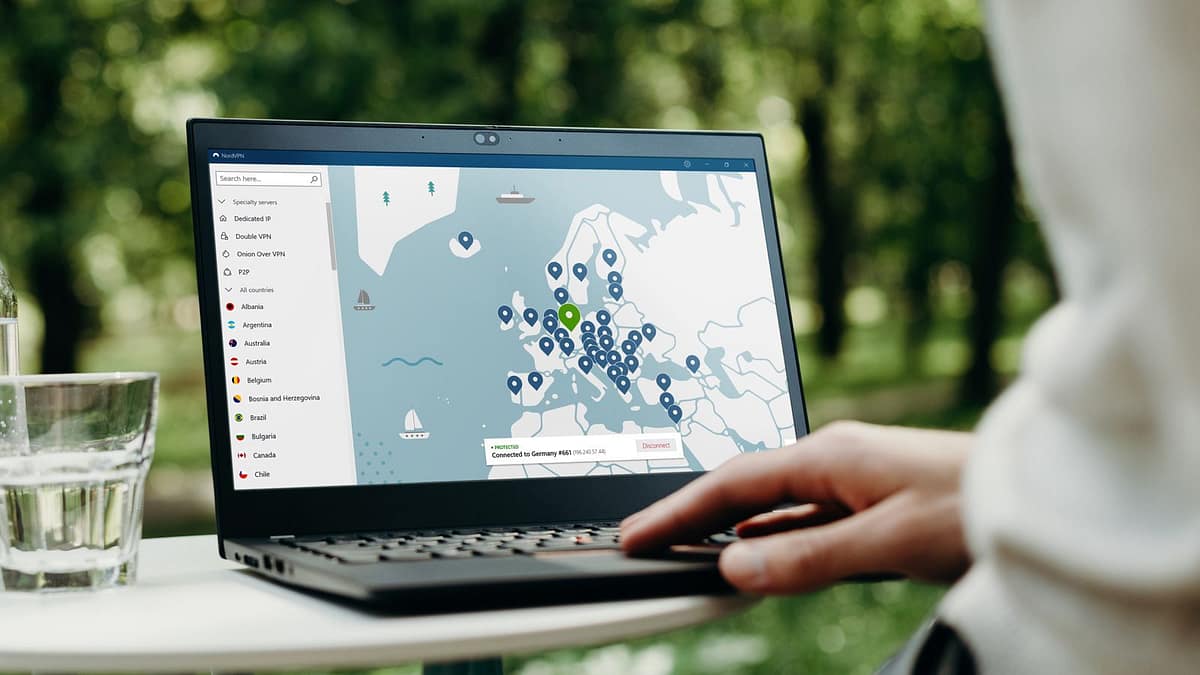
- Always enable the kill switch inside NordVPN so your IP doesn’t leak if the VPN drops.
- Use Double VPN or Onion over VPN for sensitive tasks, at the cost of speed.
- Disable auto‑logins in browsers and avoid using the same email for social accounts and NordVPN.