
You can get good pseudonymity when with PIA (Private Internet Access), but not true anonymity.
PIA will still see your IP address at signup and an email, but you can make both of these difficult to link to your identity.
For serious privacy, combine:
- Network privacy: connect via another VPN or Tor browser.
- Identity hygiene: use burner email and no real‑world identifiers.
2. Prep: email and network
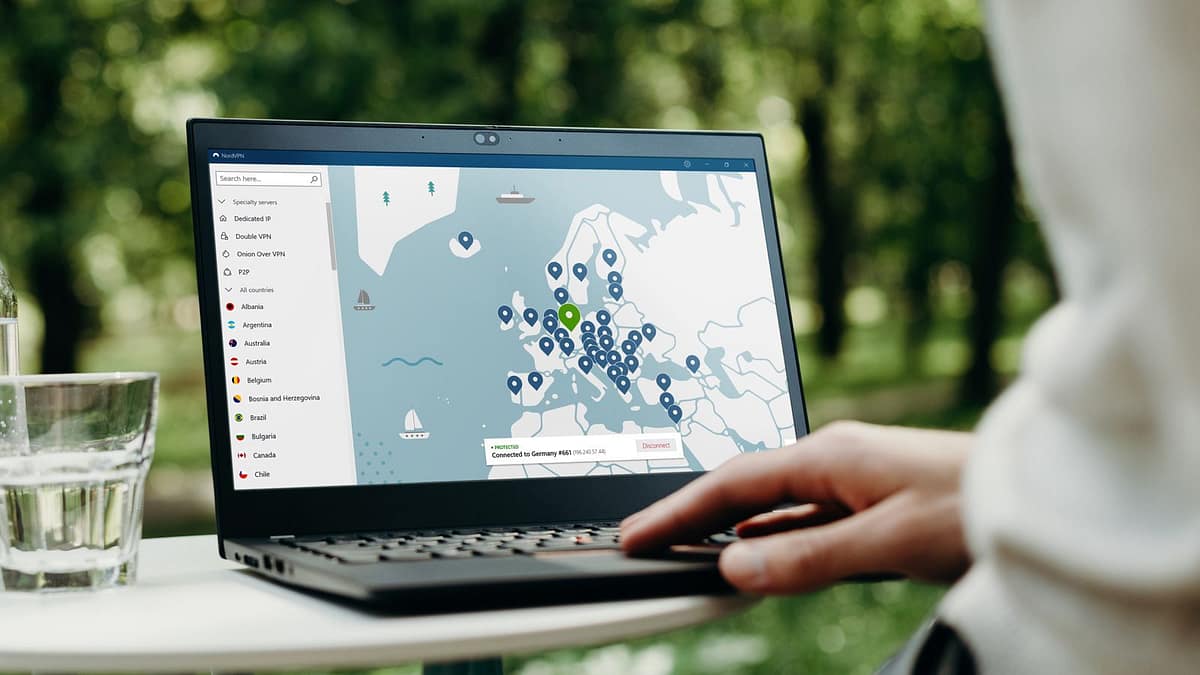
- Connect through a privacy‑friendly VPN or Tor Browser first (not your home IP).
- Create a burner email with no phone, real name, or recovery address, ideally on a privacy‑respecting service like Proton Mail.
- Note your login details somewhere safe since you won’t have recovery tied to your real identity.
3. Option A: Cash‑bought gift card (no bank, no card)
PIA still supports paying with major retail gift cards via their gift‑card gateway.
Step‑by‑step:
- Go to a big‑box store (Target, Walmart, etc.) and buy a regular store gift card with cash.
- Back home, connect via VPN/Tor and open PIA’s gift‑card payment page (search “PIA gift card payment” if the link isn’t obvious in the menu).
- Click the section that says “Pay anonymously with many major brand gift cards” and choose your card brand.
- Enter the card number and PIN, then confirm. Your card balance is converted into PIA subscription time.
Pros: no bank, no credit card, no name.
4. Option B: Crypto via BitPay (if you already use Bitcoin)
PIA accepts Bitcoin and other cryptocurrencies via BitPay.
However, BitPay increasingly expects an account, which can involve KYC (Know Your Customer) in some regions.
If you’re comfortable with that trade‑off:
- Get crypto from a no‑KYC source (Fixed Float, Bisq, low‑limit Bitcoin ATM) and send it to a wallet you control.
- Choose your PIA plan and select “Cryptocurrencies” / “BitPay” at checkout.
- Use a fresh wallet address and complete the payment through BitPay.