Quick Answer
- Private Internet Access, Proton VPN, and NordVPN all accept Bitcoin.
- NordVPN gift cards can be bought with cash at retailers like Walmart and Best Buy. The gift card can then be used for payment, making a good anonymous option
- Mullvad and IVPN accept Monero directly and are privacy enthusiast favorites.
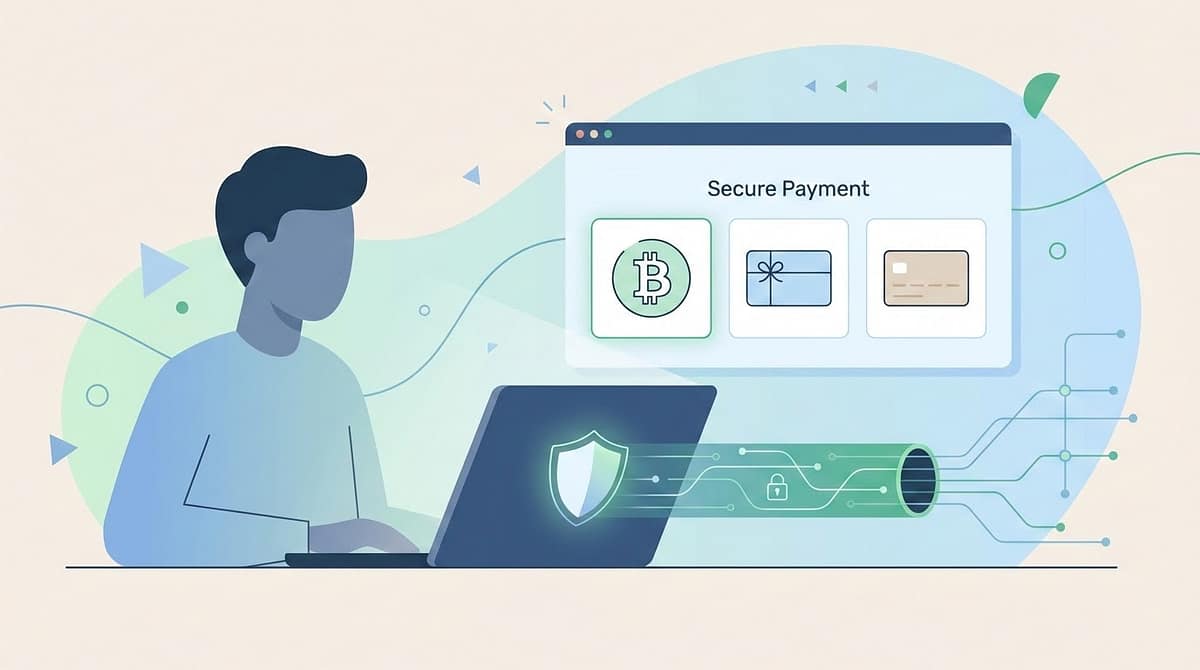
Here are the various option for signing up to a VPN service anonymously:
Best VPNs with anonymous payment options
Here are some of the best VPNs that support anonymous payment methods like Bitcoin, Monero, gift cards, or even cash.
Private Internet Access (PIA)
Website: Private Internet Access
- Bitcoin: Yes
- Monero: No
- Gift cards / cash: Gift cards via third parties
- Why choose it: Audited no‑logs, supports crypto and gift cards, good mix of price and privacy.
Proton VPN
Website: Proton VPN
- Bitcoin: Yes
- Monero: Rolling out / limited support
- Gift cards / cash: No
- Why choose it: Swiss‑based, open‑source apps, strong privacy culture and integration with Proton Mail.
NordVPN
Website: NordVPN
- Bitcoin: Yes
- Monero: Sometimes via payment gateways
- Gift cards / cash: Retail gift cards you can buy with cash (e.g., in stores)
- Why choose it: Large server network, good for streaming, easy anonymous payment via store‑bought cards.
Mullvad
- Bitcoin: Yes
- Monero: Yes
- Gift cards / cash: Cash by mail
- Why choose it: Privacy‑first, flat monthly pricing, accepts cash and Monero for maximum anonymity.
IVPN
Website: IVPN
- Bitcoin: Yes
- Monero: Yes
- Gift cards / cash: No
- Why choose it: Smaller, very transparent provider with strong technical security and good privacy reputation.
How to take action: Pay anonymously step‑by‑step
Option 1: Bitcoin (semi‑anonymous)
- Buy Bitcoin on a no‑KYC exchange or peer‑to‑peer platform (Bisq, Bitcoin ATM with low limits).
- Send BTC to a new wallet you control (never reuse addresses).
- Sign up for PIA, Proton VPN, or NordVPN using a disposable email (like a free Proton Mail account).
- At checkout, select Bitcoin and scan the QR code or paste the address.
- Wait up to 24 hours for blockchain confirmation, then your account activates
Privacy tip: Bitcoin transactions are public on the blockchain, so use a fresh wallet and don’t link it to exchanges that have your ID.
Option 2: Monero (maximum privacy)
- Acquire Monero via a no‑KYC swap service or receive it from someone else.
- Store XMR in a self‑custody wallet like Monero GUI or Cake Wallet.
- Sign up for Mullvad or IVPN (or wait for Proton VPN’s Monero option).
- At checkout, select Monero and send from your wallet to their address.
- Confirmation is fast; your subscription activates once the payment clears.
Privacy tip: Monero hides sender, receiver, and amount by default, making it the gold standard for private digital payments.
Option 3: Gift cards or cash
- Go to a physical retailer (Walmart, Best Buy, Target) and buy a NordVPN gift box with cash.
- Don’t use your debit or credit card—pay cash to stay truly anonymous.
- Sign up for NordVPN with a disposable email and enter the activation code from the box.
- For PIA, buy a third‑party gift card (like a prepaid Visa) with cash and use that at checkout.
Privacy tip: Mullvad also accepts cash by mail—just send euros or dollars in an envelope with your account number.
Option 4: Prepaid debit cards
- Buy a prepaid Visa or Mastercard with cash at a convenience store.
- Use it like a regular card at VPN checkout; enter “Gift Card” for the cardholder name if prompted.
- Works with most VPNs, but less anonymous than crypto since the card issuer still tracks transactions.