Quick Answer
- Telegram is a cross‑platform, cloud‑based messenger built for regular texting and big group chats
- It’s works well for media‑heavy chats and broadcasts
- It’s weaker on default privacy than Signal or iMessage
- Owned and tightly controlled by founder Pavel Durov
What is Telegram?
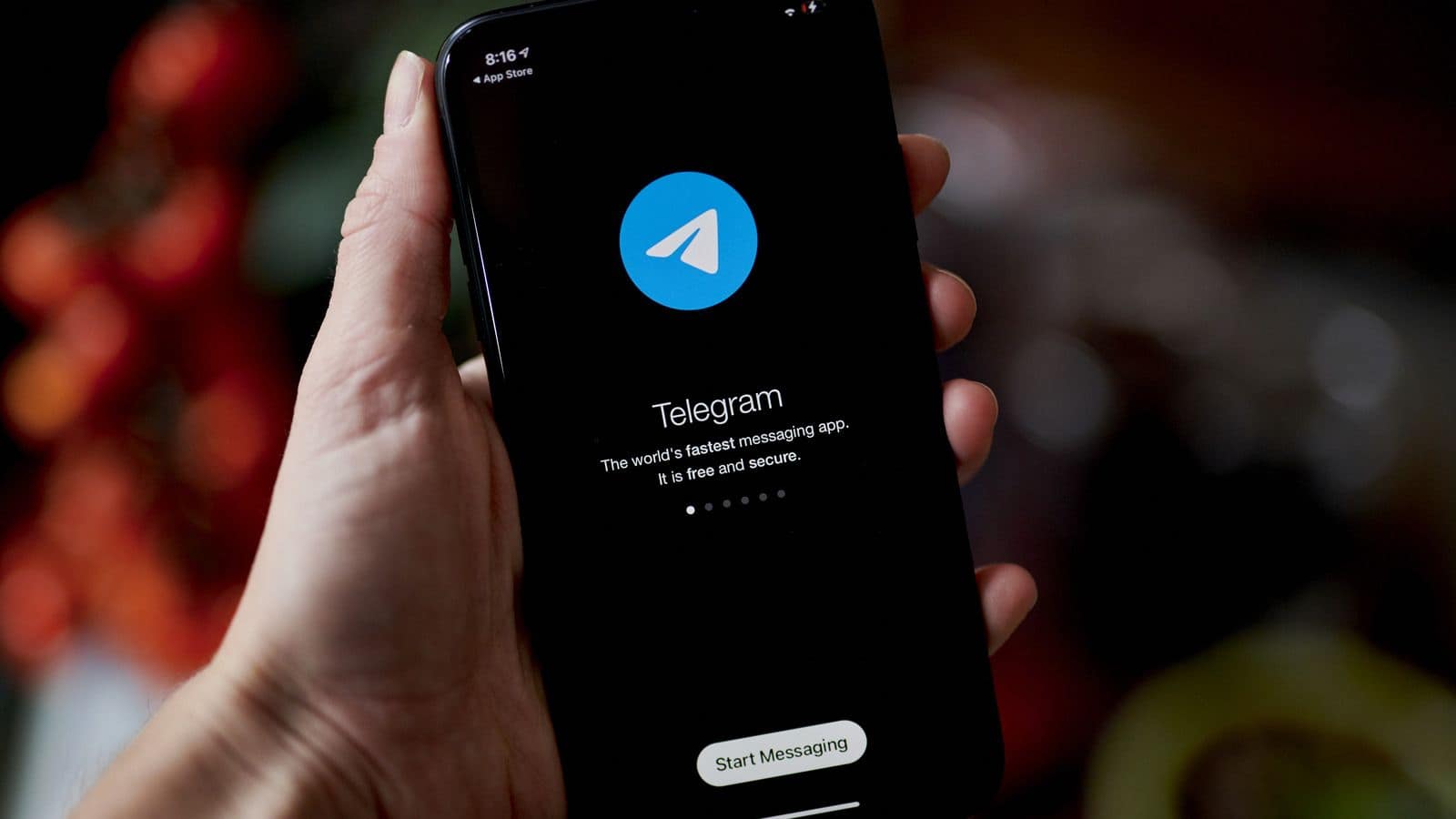
Telegram is a messaging app that sits somewhere between WhatsApp, Discord, and a minimalist social network. You get normal one‑to‑one chats, group chats, and huge broadcast channels, all wrapped in a relatively clean interface. It’s available on almost every platform (iOS, Android, Windows, macOS, Linux, web).
Unlike SMS or iMessage, you can join public channels, browse archives, react to posts, and interact with bots — all while hiding your real phone number behind a username if you tweak your settings.
Key Features
- Your chats, media, and files live in Telegram’s cloud (for non‑Secret chats), so you can move between devices instantly.
- Telegram supports very large groups and essentially unlimited‑subscriber channels.
- Photos and videos are much higher quality than MMS/SMS, and you can send files up to several gigabytes.
- Emoji reactions show inline under messages instead of turning into “Bob liked…” text messages in mixed iPhone/Android groups.
- You can hide your number, expose only a handle, and control who can add you to groups — essential if you participate in public chats but don’t want your number scraped.
Telegram keeps adding features like AI summaries for channels and refreshed designs, so it’s evolving more like a platform than a static messenger.
Privacy and Security
Telegram markets itself as secure, but you need to understand the split:
Default chats are encrypted between your device and Telegram’s servers, but not end‑to‑end. Telegram technically can access content in cloud chats.This design enables multi‑device sync, big groups, and searchable history.
Secret Chats can only occur one-to-one. These chats are end‑to‑end encrypted, with optional self‑destruct timers. These chats are not synced across devices, and not available for channels or big group chats.
Who controls Telegram
Telegram is owned and tightly controlled by its founder, Pavel Durov, who says he holds 100% of the company with no outside equity investors. Telegram hit around 1 billion users and became profitable in 2024, with over $1 billion in revenue and roughly $500 million in cash reserves.
From a user’s perspective:
- Independence is a plus — there’s no Meta/Google‑style data‑ad machine behind it.
- But you’re still trusting one founder and his future decisions, plus the regulatory pressure he’s under in different jurisdictions.
How to use Telegram safely and sanely
- Lock down your Privacy & Security settings: hide your phone number from non‑contacts, restrict who can add you to groups, and limit profile photo visibility.
- Use Secret Chats for anything you wouldn’t want sitting on a third‑party server.
- Disable auto‑download of media in group chats to reduce junk and malware risk.